The controller
you already own.
Your iPhone is already a controller. PhoneDeck just turns it on. One tap. Free, forever.

Get PhoneDeck.
Two apps. One seamless experience. Free, forever.
Keyboard shortcuts need v1.4 on both.
Update Mac and iPhone to v1.4 to use keyboard shortcuts. Everything else works across versions.
iPhone
Your controller
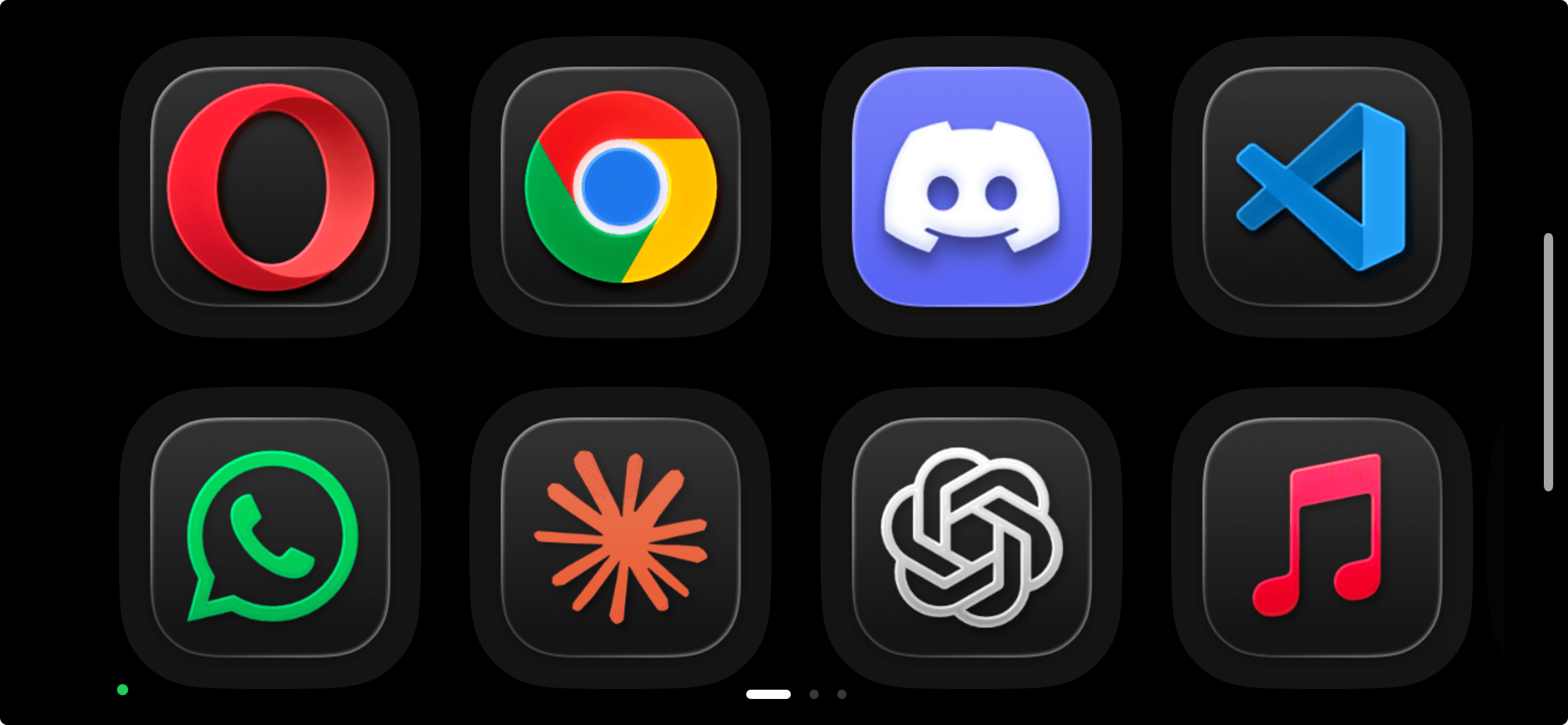
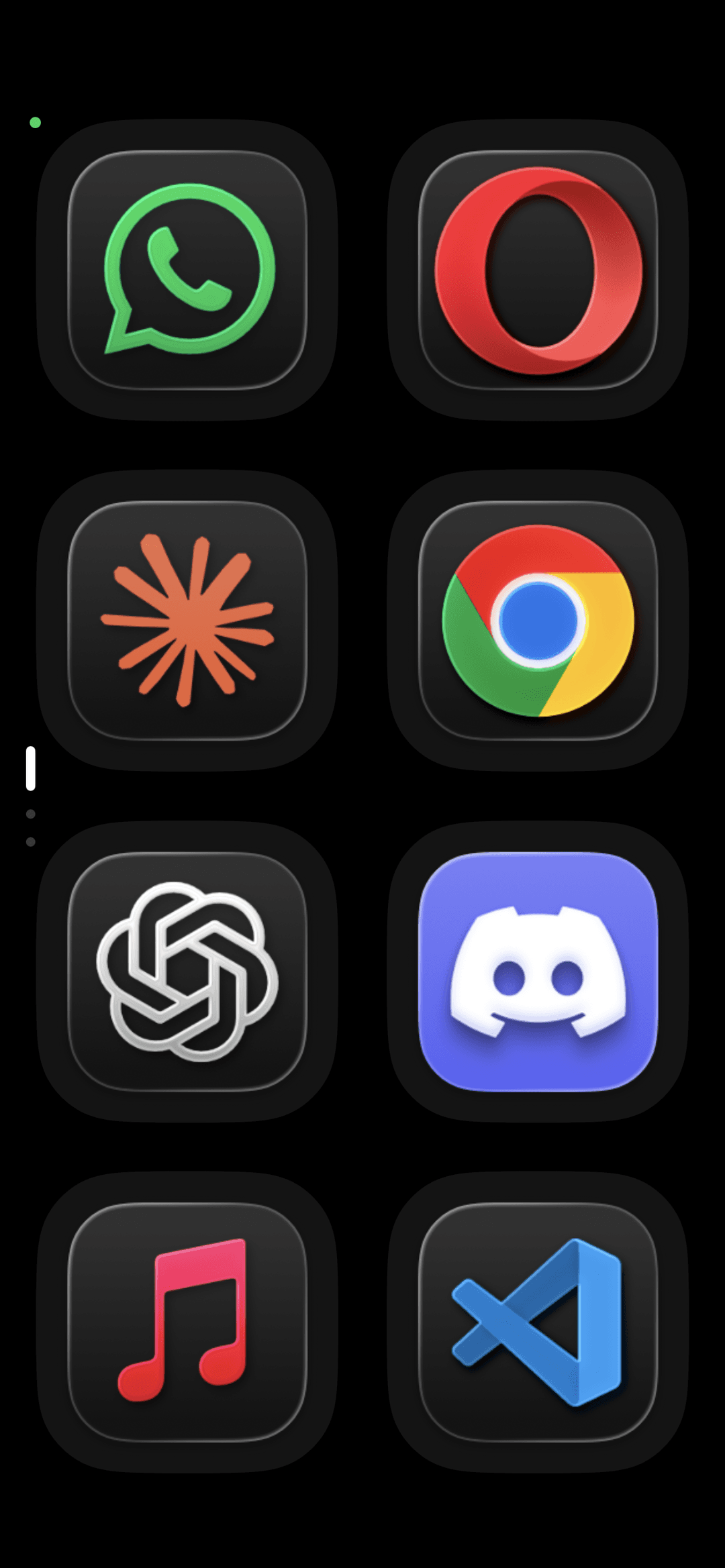
Swipe between pages. Tap any tile to launch an app on your Mac instantly. Lay it flat and tiles rotate with it.

macOS
Your command center
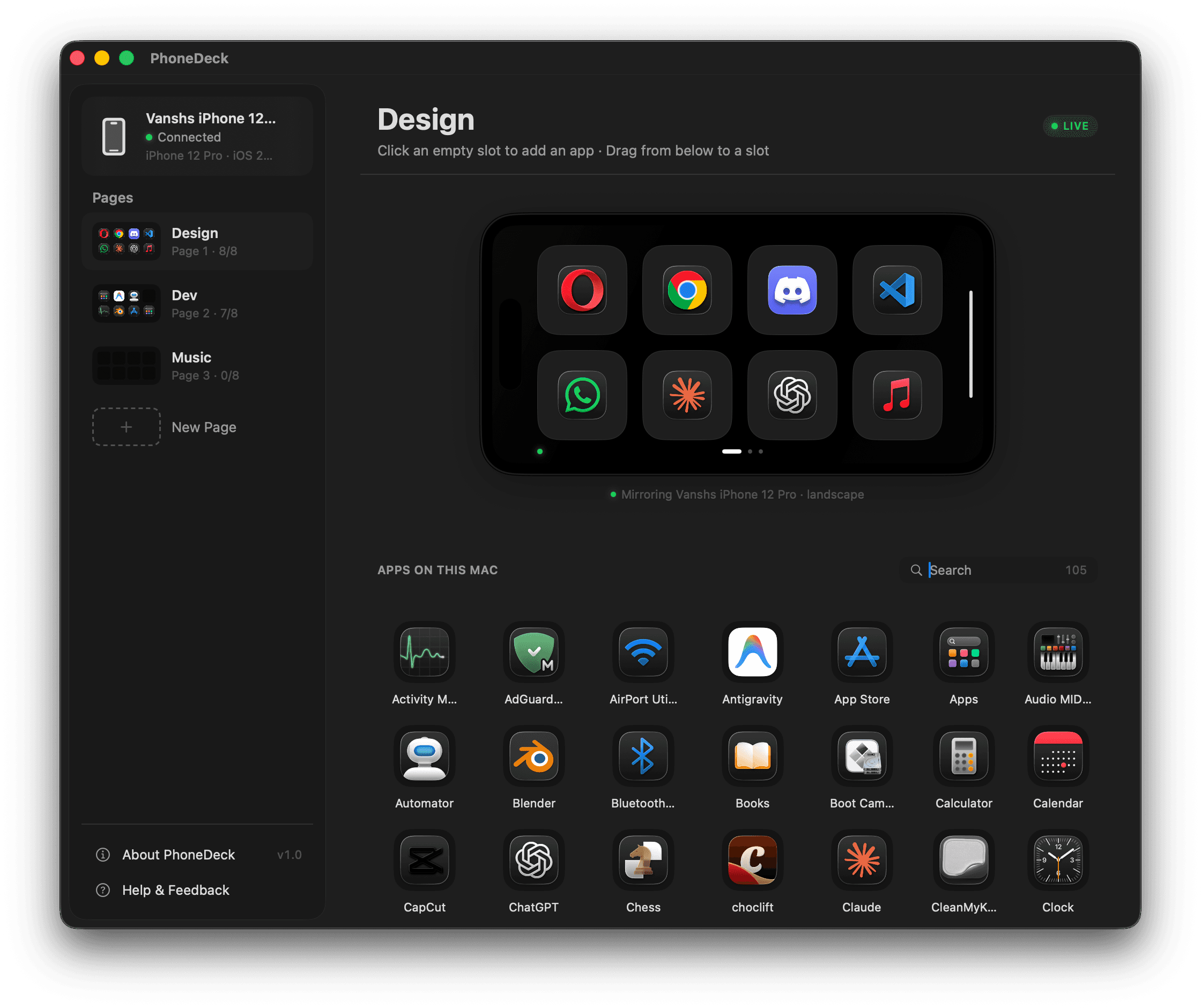
Manage pages, apps, and system controls. Drag tiles, set up workspaces, watch your iPhone mirror live.
Mac App Store version coming soon
PhoneDeck in action
Your Mac. Your iPhone.
One workflow.
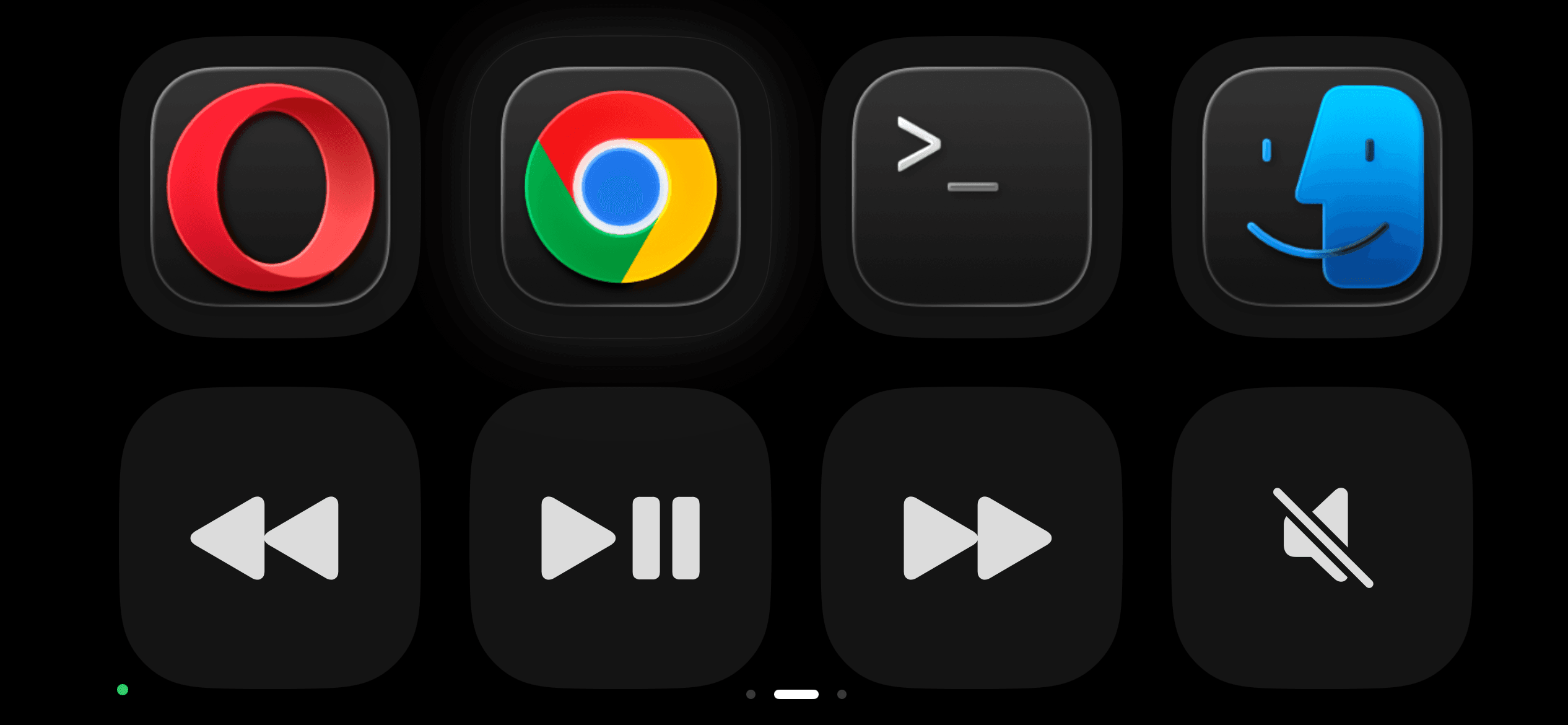
The Mac app organises your apps into pages. Your iPhone shows the tiles. Tap one — the app opens instantly on your Mac.
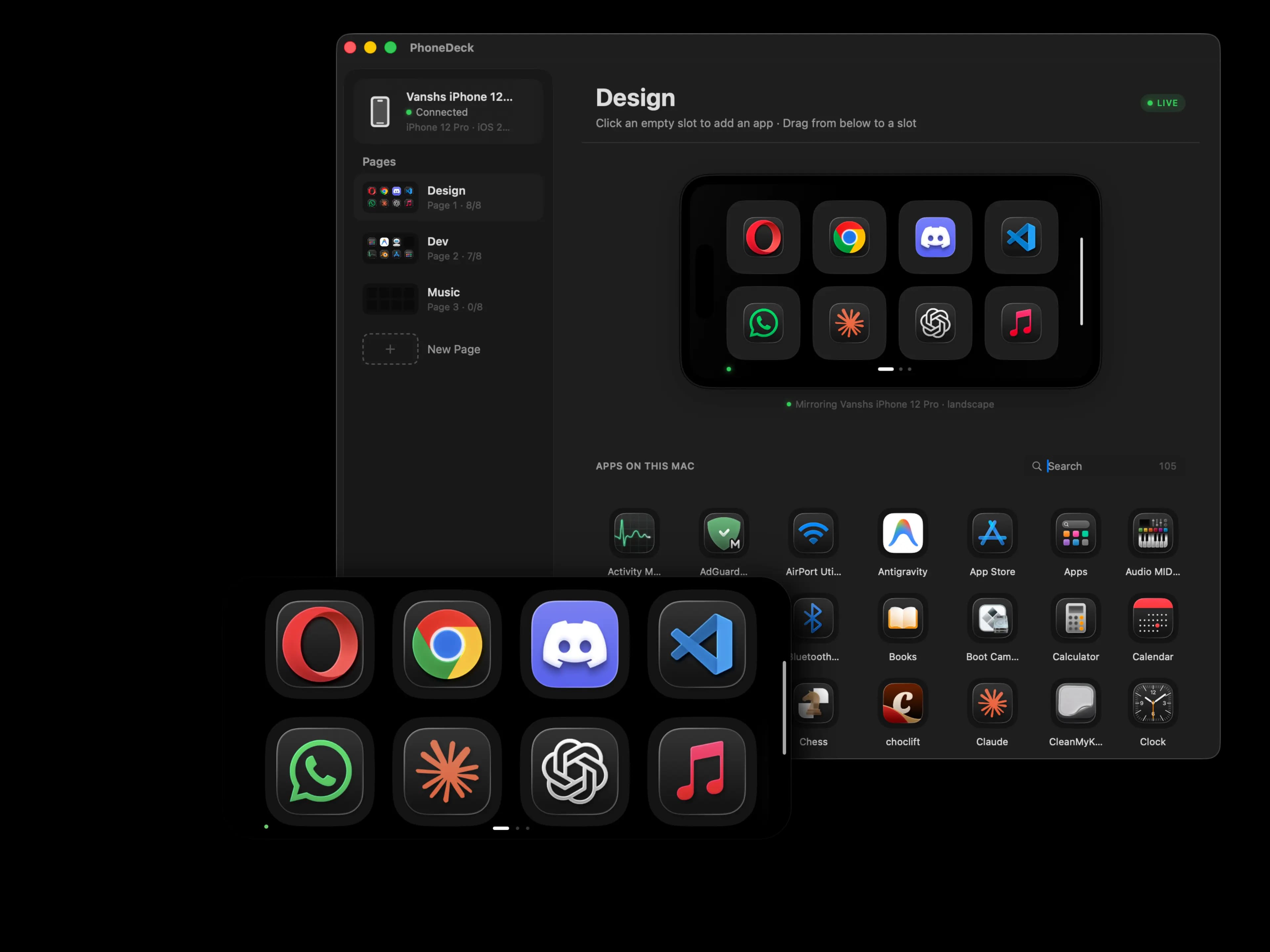
Real setup · No staging · 100% wireless
The StreamDeck
you already own.
The hardware is already in your pocket. Or charging on your desk. You paid for it years ago.
macOS
Most controllers give you 8 buttons.
PhoneDeck gives you unlimited pages.
Pages, drag & drop, a full app library, live preview. Everything your workflow needs, in one window beside your screen.
Mac App Store version coming soon
Controls
Every key.
On your iPhone.
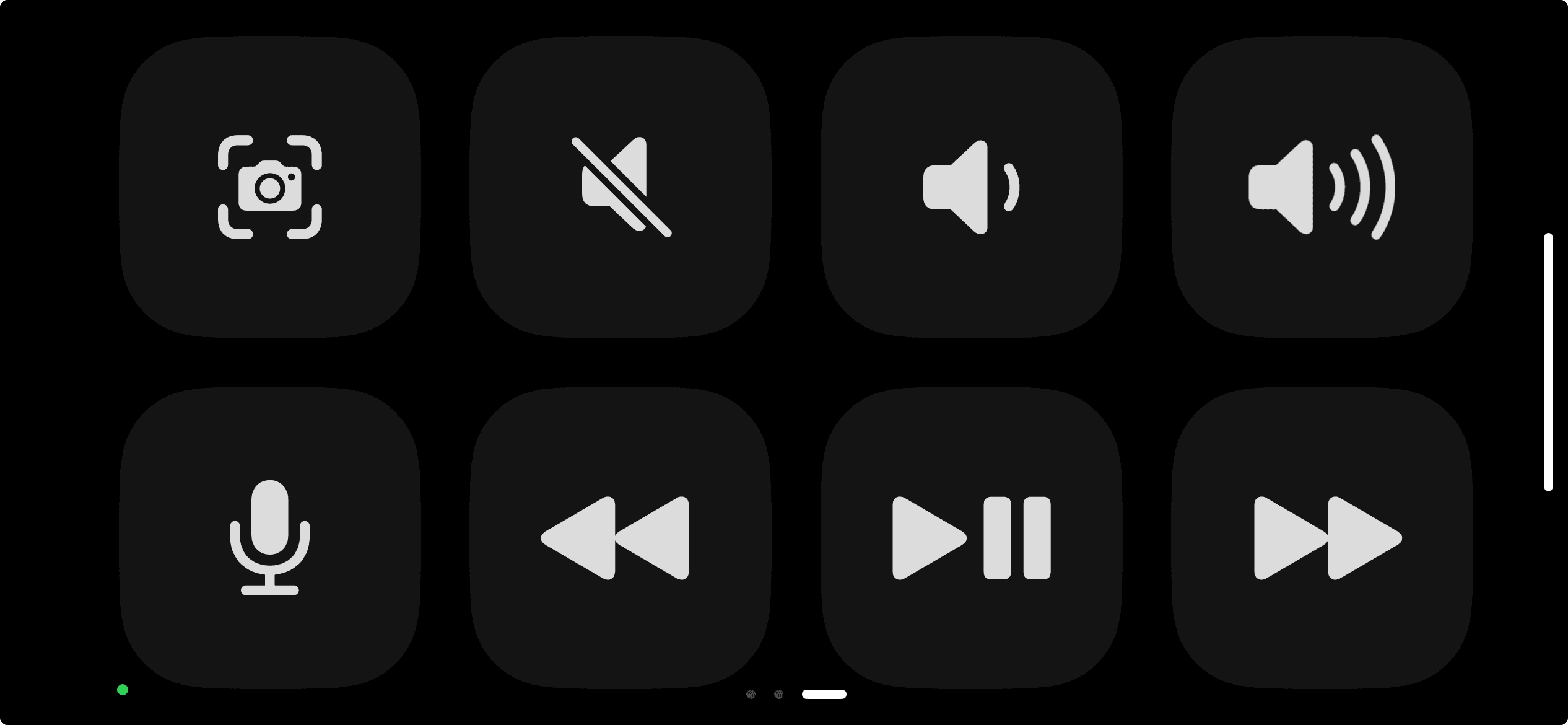
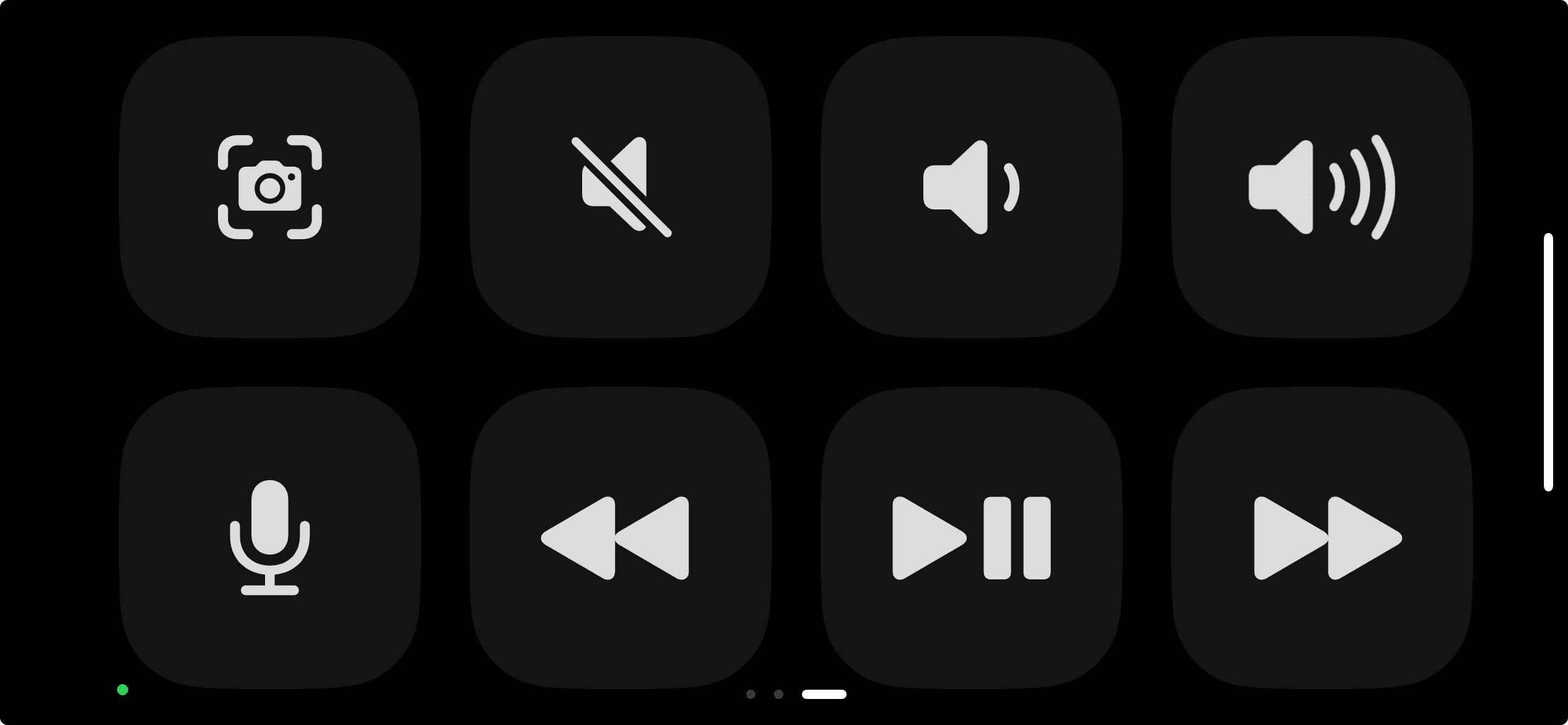
Brightness, keyboard backlight, volume, media playback, dictation, screenshot — drag any control onto any page as a tile.
Your Mac's entire function row, in your hand.
Requires one-time Accessibility permission on Mac.
iPhone
Pick up.
Tap.
Done.
Leave your iPhone charging beside your Mac. PhoneDeck finds it automatically, reconnects every time you wake your Mac, and stays completely invisible until you need it.
Swipe between pages — Design, Dev, Music. Tap any tile to instantly launch that app on your Mac. Lay it flat and the tiles rotate with it.
Control your Mac's volume, brightness, media playback, and keyboard backlight — directly from your iPhone. One-time Accessibility setup. Ten seconds.
Requires iOS 17+. Support for older iPhones coming soon.
Why it matters
Built for people
who actually focus.
For the hustler
Boss walks by. You're already on it.
One tap and you're on Slack. No one knows. PhoneDeck sits beside your Mac, invisible to everyone else.
For the builder
Never break your flow state.
Reaching for the mouse kills the moment. Tap to switch. Keep your hands on the keyboard. Keep going.
For the minimalist
A clean desk. Zero extra hardware.
No USB dongle. No $250 StreamDeck. Just the iPhone already charging on your desk.
For the creator
Go live. Stay in control.
Switch between OBS, your browser, and your chat in one tap. No mouse. No interruptions. Just you and your audience.
How it works
Set up in under a minute.
Get PhoneDeck
Free on the App Store. Install on your iPhone and your Mac. Takes 30 seconds.
Connect over Wi-Fi
Same network. PhoneDeck finds your Mac automatically — no setup, no PIN, no pairing code.
Control your Mac
Launch apps, switch pages, trigger shortcuts. All from the iPhone already sitting on your desk.
Privacy
Nothing
leaves your home.
No servers. No accounts. No telemetry. PhoneDeck runs entirely on your local Wi-Fi using Apple's Multipeer Connectivity — the same tech AirDrop uses.
Your app list, your shortcuts, your usage patterns — none of it ever leaves your network.
Packets never reach the internet. Ever.
Small print. No surprises.
Built with attention,
not investors.
I'm 23. Built it alone, in one week.
Pro features coming later — core stays free.
Follow the build
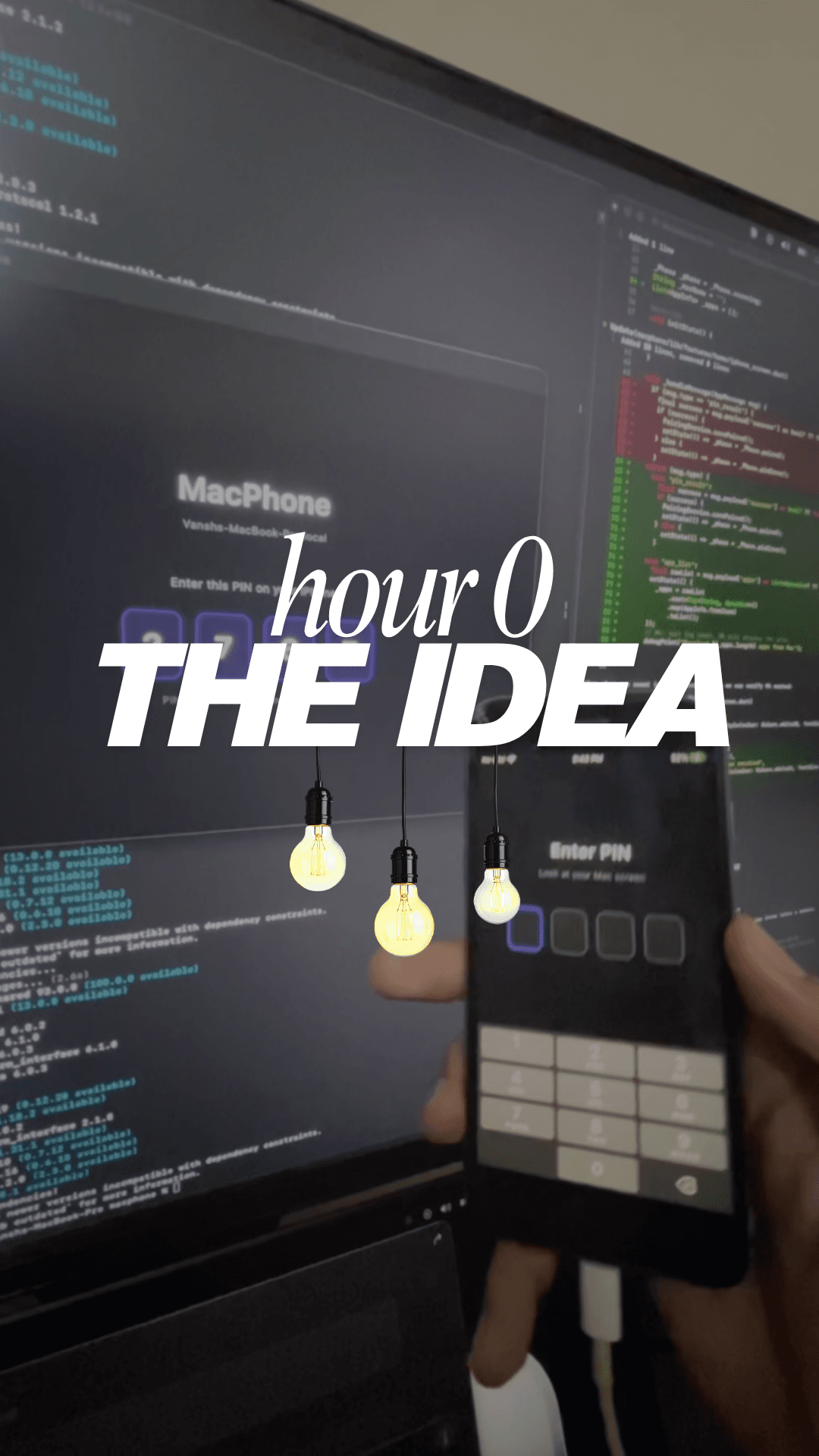
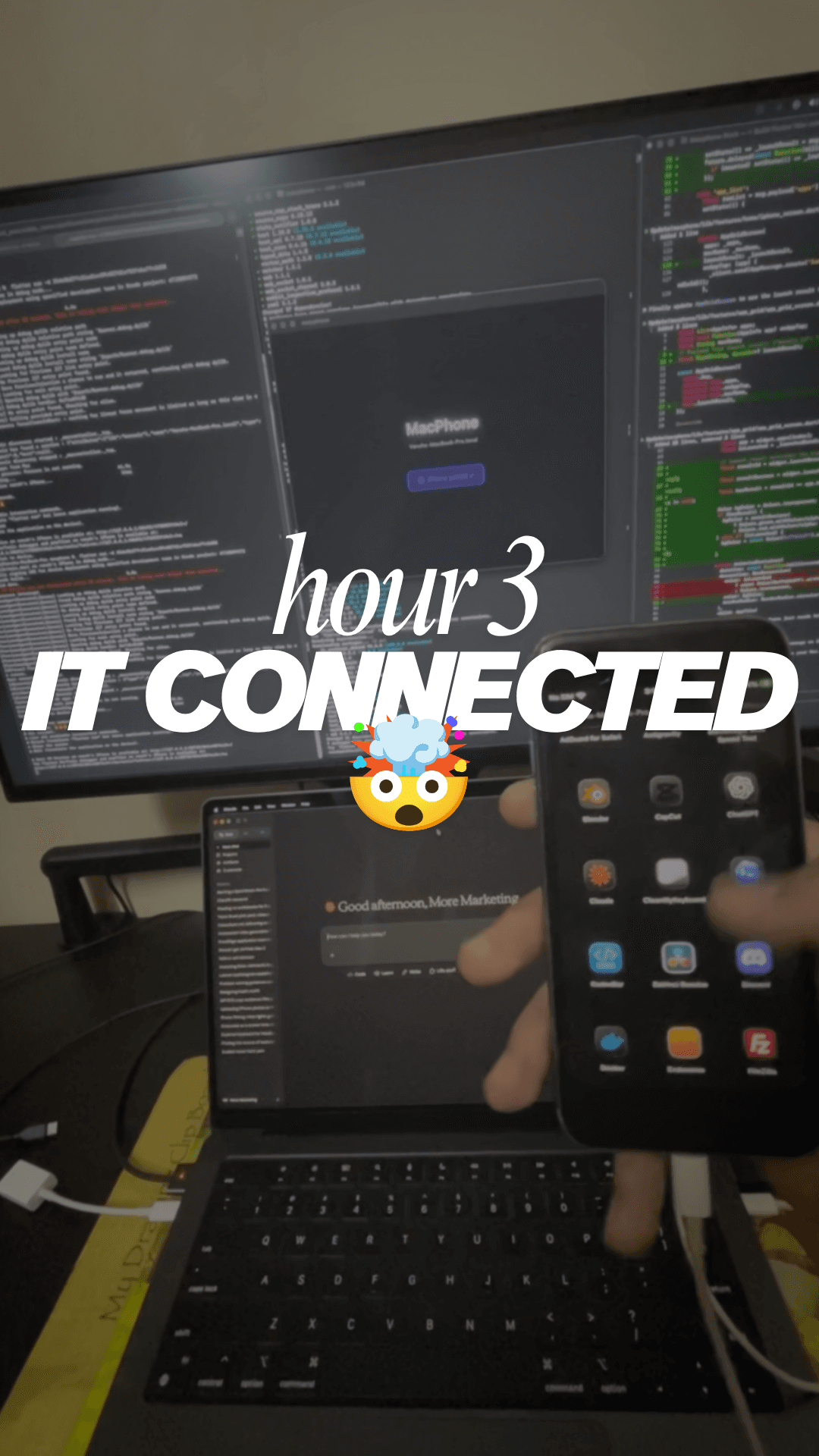
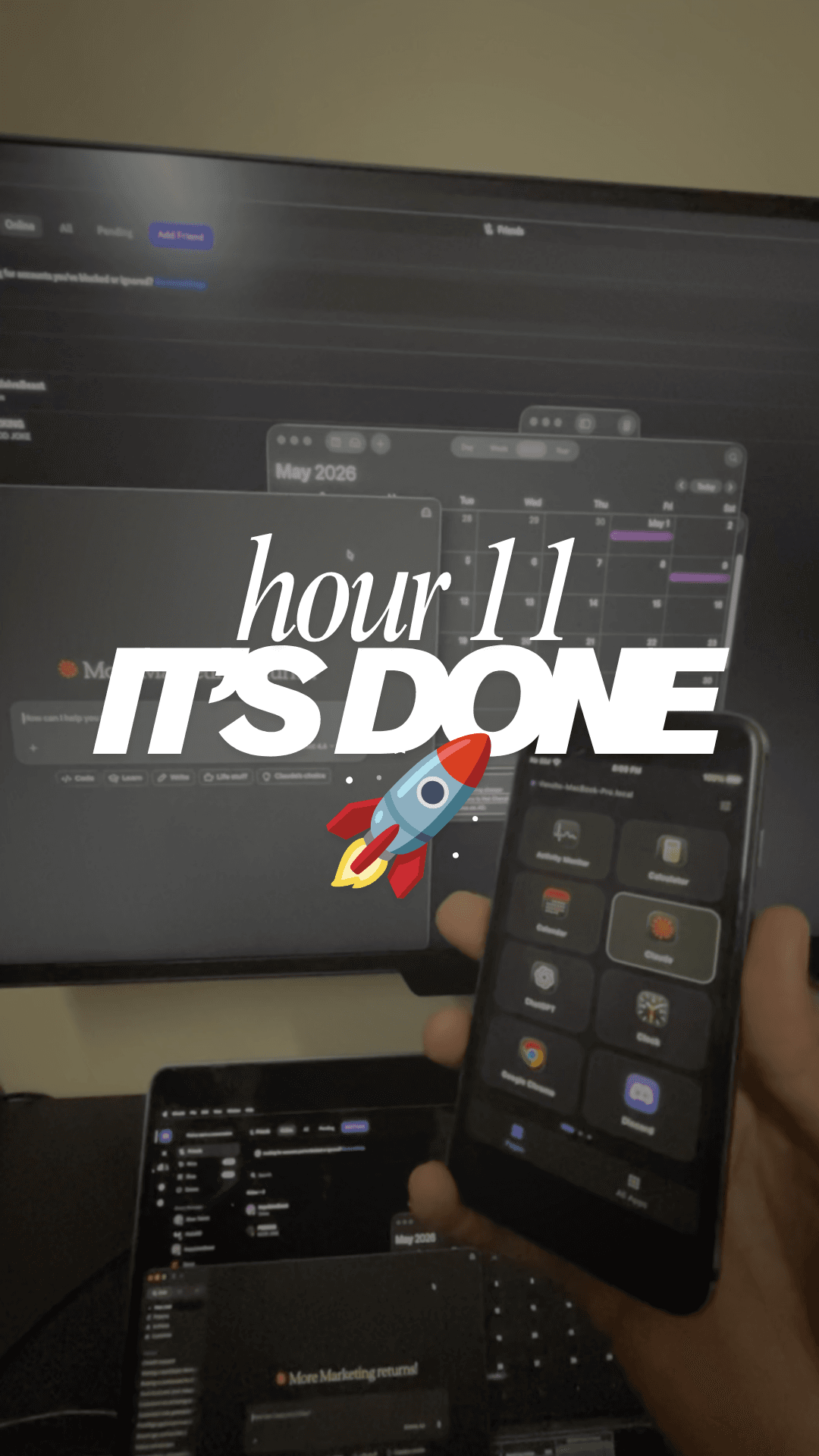
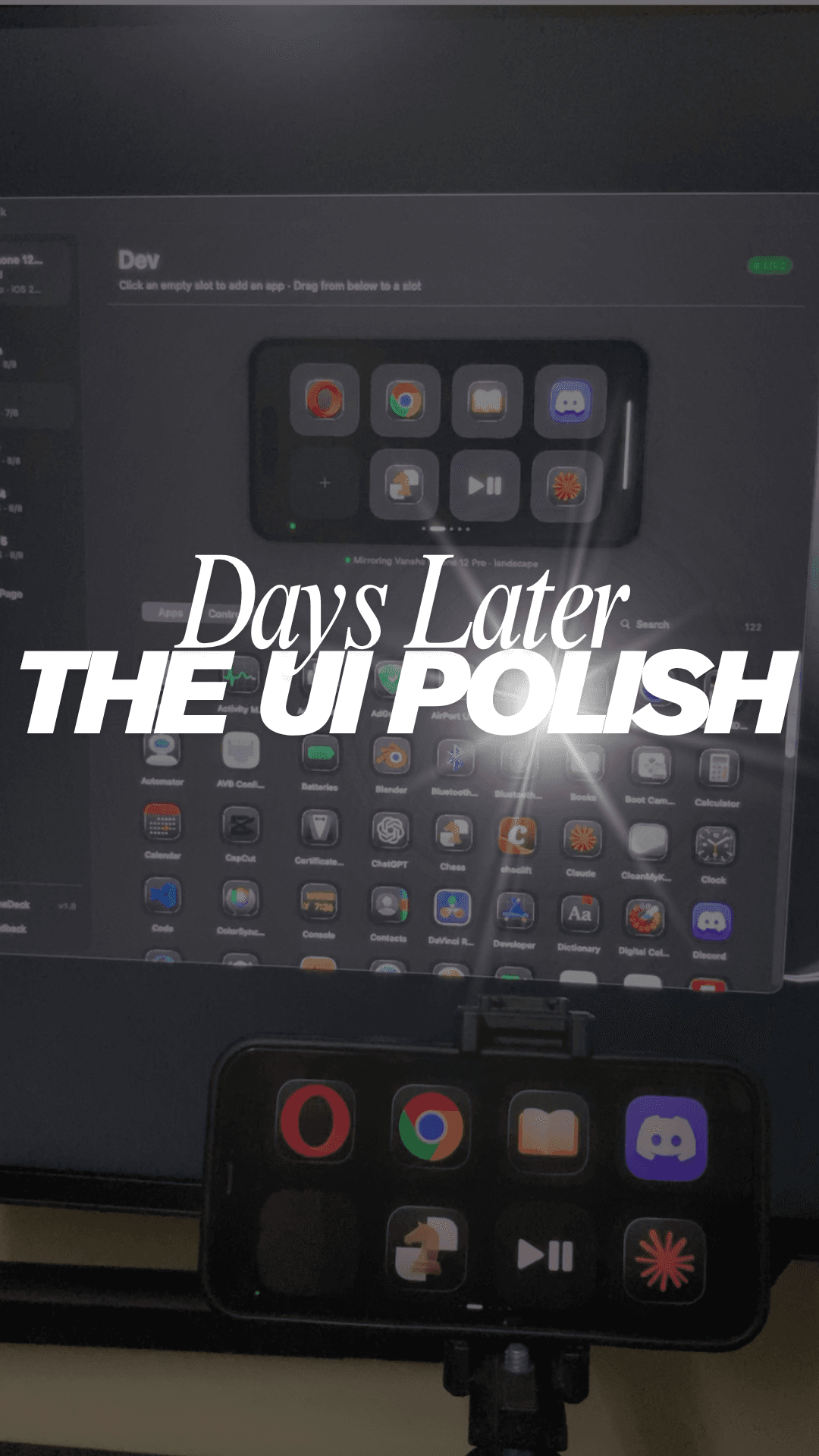
Tap any card to watch on Instagram